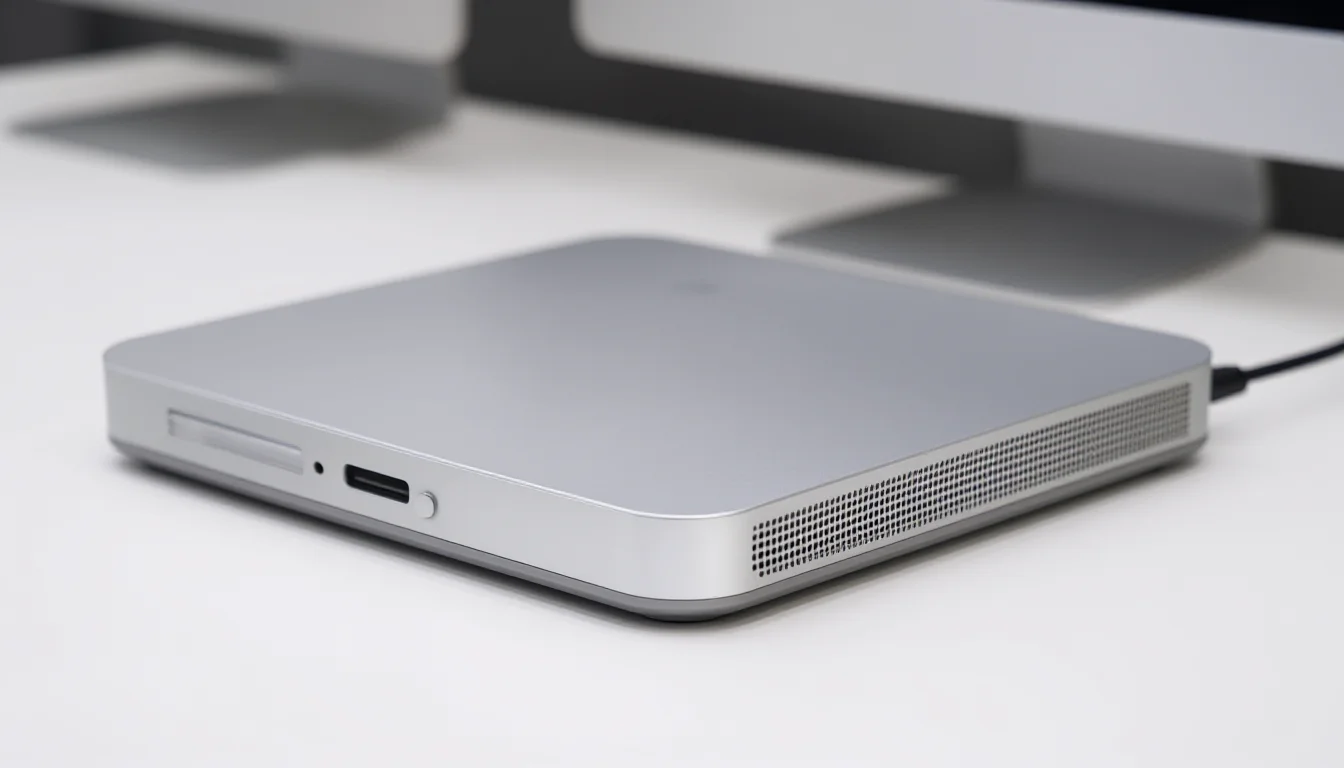
Mac Studio M5 Ultra 96 GB
A hardware-scaled 64.8 write tok/s on 96 GB of unified memory, shared by MLX and Metal.
- Total price
- $5,499
- VRAM
- 96 GB + 96 GB System RAM
- Write tok/s
- 64.8
- Read tok/s
- 2284.8
- Load / idle power
- 360 / 12 W
- Noise
- 25 dBA
- Cost per million tokens
- 0.097
- Break-even
- 987 days
- Electricity, 4 h/day
- $91.98
- Electricity, 24 h/day
- $473.04
- Quant and context
- Q4_K_M · 48K
- Runtime
- Metal
- Evidence
- Estimated
Overview
MLX and llama.cpp share one pool here, and the published rate is a hardware-scaled estimate. This Mac Studio M5 Ultra pairs a 30-core CPU with a 64-core GPU and 96 GB of unified memory. The estimate reads 64.8 write tokens per second and 2284.8 read tokens per second at 360 W, and the machine lists at $5499. A 70B Q4 leaves headroom, while the 125B MoE wants a tighter IQ quant. Fans stay low until both the GPU and the media engines are pinned. Memory is not user-upgradable. Use MLX or the Metal backend. There is no CUDA runtime on this desktop.
Best for
A macOS desk that keeps a 70B Q4 in unified memory and stays on Metal.
Tradeoffs
The 64.8 write figure is a hardware-scaled estimate, memory is fixed at purchase, and a 125B MoE wants a tighter IQ quant.
Bill of materials
| Role | Model | Specification | Est. street price (USD) |
|---|---|---|---|
| System | Apple Mac Studio M5 Ultra | 30-core CPU, 64-core GPU, 96 GB unified memory, 1 TB SSD | $5,499 |
| Total | $5,499 | ||
Multi-model performance
| Model | Quant | Memory fit | Est. write tok/s | Max context |
|---|---|---|---|---|
| Qwen3.8-Flash-Next (125B MoE) | IQ4_XS | Unified memory | 42.6 | 24K |
| Qwen3-Coder (32B) | Q8_0 | Unified memory | 71.5 | 64K |
| DeepSeek-R1 (70B Q4) | Q4_K_M | Unified memory | 33.8 | 32K |
| Llama-3.3 (70B Q4) | Q4_K_M | Unified memory | 35.1 | 32K |
Assembly, BIOS, and driver checklist
- Memory is not user-upgradable. Order the 96 GB configuration you actually need.
- Grant Full Disk Access and leave room for the Metal shader cache on the internal SSD.
- Use MLX or llama.cpp's Metal backend. Do not look for a CUDA runtime on this Mac.
- Turn on High Power Mode when both the media engines and the 64-core GPU are busy.
Questions about this build
Is 64.8 write tokens per second a fresh median?
No. The published rate is a hardware-scaled estimate, and MLX and llama.cpp share one unified pool.
Can memory be added after purchase?
No. The 96 GB of unified memory is fixed at the factory.
Which backend should llama.cpp use here?
Metal. Use MLX or llama.cpp's Metal backend on the shared unified pool. This desktop has no NVIDIA compute runtime.